Westace App and Mobile Casino: Browser Play on iPhone and Android
 Available in GB
Contents
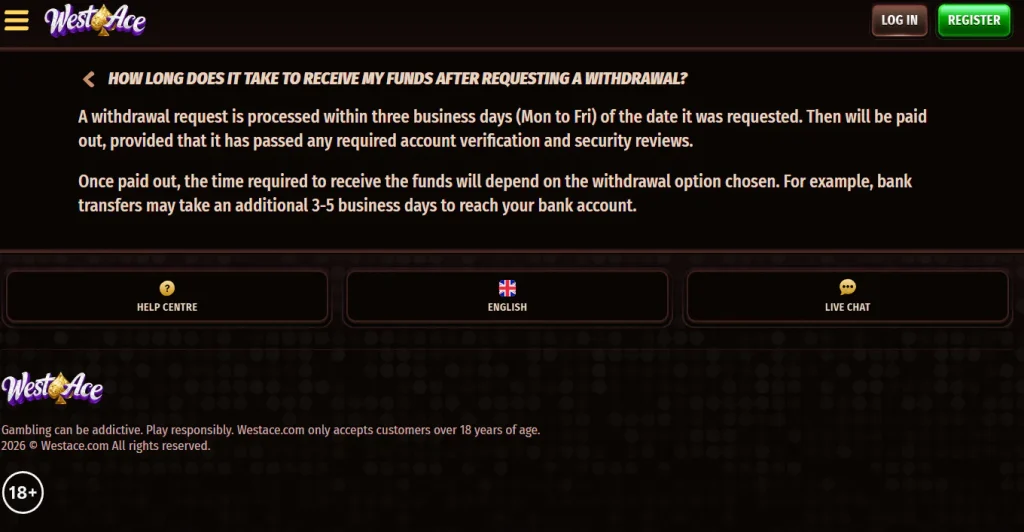
Westace currently presents mobile access as browser-based rather than as a dedicated iOS or Android app. Its official site says the platform works on mobile browsers without requiring another app download, and no verified Westace listing tied to westace.com is currently identified in either major app store. That makes the safest practical route simple: start from the verified westace.com domain, use Safari or another modern browser on iPhone, or Chrome or another modern browser on Android, and treat third-party download pages as unverified unless Westace itself links to them. A home-screen shortcut can make browser access feel app-like, but it is still a website shortcut rather than a native Westace application.
App status
Westace mobile is a browser product, not a verified native app
The key distinction is between mobile compatibility and a native application. Westace has verified mobile-browser access. Its official homepage explicitly describes using the platform on mobile browsers without downloading another app. That is enough to confirm a mobile route without inventing an App Store or Google Play product.
Westace states on westace.com that its mobile service works in the browser without another app download. Other Westace-branded third-party domains publish conflicting app claims, but those pages are not operator statements from westace.com.
| Device route | Current status | What that means in practice |
|---|---|---|
| iPhone / iPad | Mobile browser verified; no dedicated iOS app verified | Use the official site in a browser. A home-screen shortcut is optional and remains a shortcut to the website. |
| Android phone / tablet | Mobile browser verified; no dedicated Android app verified | Use the official site in a browser rather than installing an APK from an unverified download page. |
| Native app store listing | No westace.com-linked native app listing is identified by Westace | A similarly named app or download page becomes credible only when Westace itself identifies or links it. |
| Home-screen shortcut | Useful browser convenience | It launches the website quickly but leaves the site short of the site into a native Westace app. |
Banking availability, game coverage and regulatory status require separate checks from mobile usability; the broader Westace review assesses those factors independently.
Home-screen access
How to make Westace quicker to open without calling it an app
For repeated Westace access on a phone, the practical alternative to a native app is a browser shortcut. Open the verified site in the normal browser, use the browser’s share or menu controls, and choose the option that adds the current page to the home screen. The wording can differ between browser versions, so the important point is the result: a shortcut icon that reopens westace.com in the browser.
A browser shortcut requires no an APK, installer package or separate gambling-app account. The normal browser still handles access. Any third-party instruction to enable unknown-source installation, download an APK or install a profile is outside the browser route presented on westace.com.
On iPhone or iPad
- Open the verified Westace domain in the browser.
- Use the browser share controls and choose the home-screen shortcut option.
- Check the displayed destination before confirming the shortcut.
On Android
- Open the verified Westace domain in the browser.
- Use the browser menu and choose the home-screen shortcut option.
- Use an APK only if the verified official site later introduces and links one directly.
The official domain is westace.com. On mobile, the address should be verified before sign-in, especially after arriving from search results, adverts or saved links created on another device.
What the browser route covers
Mobile browser access keeps the casino experience inside the main site
The official Westace homepage positions its mobile experience as the same web platform used on desktop rather than a separate downloadable product. That reduces one source of confusion: a separate brand account is not needed simply because access moves from a laptop to a phone.
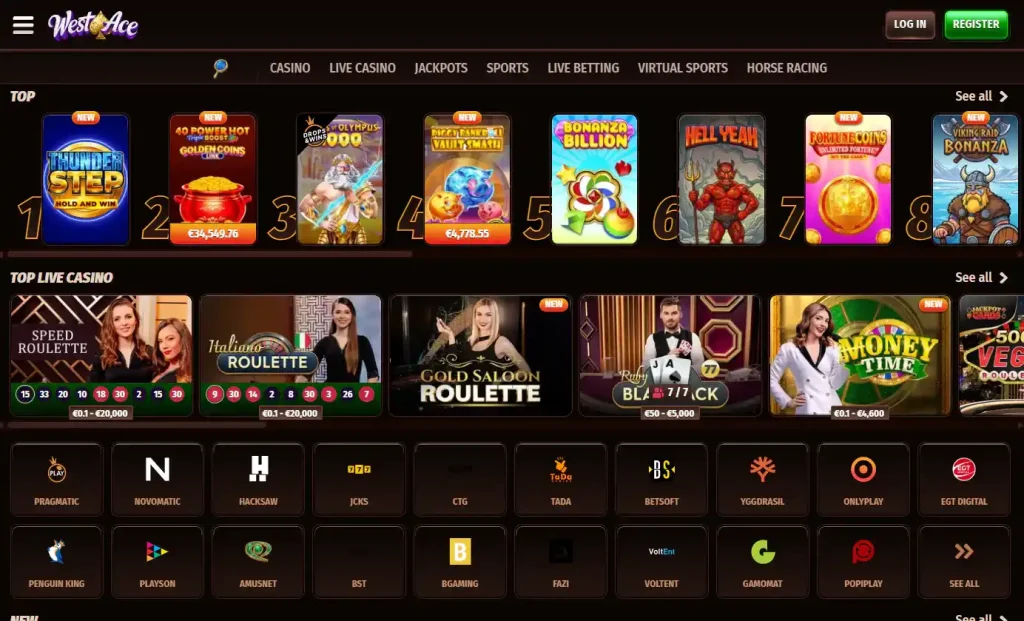
The live site includes casino games, a live casino and sports sections, so the mobile decision is mainly about how comfortably those sections work on a smaller screen. The full catalogue changes over time. The game library is better assessed through current categories and provider examples than through a disputed total game count.
For live casino in particular, screen size matters more than the label on the access route. Dealer video, betting controls, game history and chat can all compete for space on a phone. A practical test is to open the live lobby in portrait and landscape orientation before deciding whether a phone is comfortable for the most relevant tables. That is a usability choice, not a claim that a particular table or limit will always be available.
The same principle applies to sports betting and account pages. Browser access can make the whole site reachable on one device, but the ease of an individual task depends on the task, connection quality and the amount of information that must fit on screen. A native-app badge would not by itself solve those issues, so its absence should be judged on actual browser usability rather than on marketing expectations.
Login and support
Account access on mobile still uses the same identity and support channels
Mobile access uses the same account category as desktop access. Westace requires a personal account under its general terms, and the practical account questions remain the same whether the site is opened on a desktop or a phone. Registration, login and any later verification should therefore be treated as account processes rather than as app-specific processes.
Westace also provides 24/7 live chat. On a phone, that is useful because help remains available from the same web environment rather than requiring a separate support application. Identity documents and payment information belong only in channels that are clearly part of the verified Westace site or an official process referenced from it.
For mobile access, account setup is governed by Westace age, identity and verification rules, none of which guarantees current UK registration availability.
Download safety
Why app and APK claims deserve an extra domain check
Multiple Westace-branded third-party domains are not westace.com. Some offer download buttons, QR codes or installation instructions, so the hostname matters before installing anything or entering account details.
For any claimed Westace download, start at westace.com. Look for a direct link from that domain to a store listing or download. Without such a route, third-party Westace branding is not enough to make a file official. Ownership instead requires a direct link from westace.com or equivalent first-party evidence.
Practical check: if a third-party source instructs installation of a Westace APK, profile or native app without a traceable link back to westace.com, treat the download as unverified. Current first-party wording supports browser play without another app download.
At the same time, trust checks, product access and domain identity are different questions and should be supported by the appropriate evidence rather than collapsed into one “safe” or “unsafe” label.
Westace app and mobile FAQ
Does Westace have an official iPhone app?
No dedicated iOS app is currently verified. Westace’s own site describes mobile-browser access without another app download.
Does Westace have an Android app or APK?
No dedicated Android app is currently verified. The official browser route is the supported first-party method; Authenticity requires a direct Westace source rather than branding on a third-party APK page.
Can I put Westace on my home screen?
Yes. A browser home-screen shortcut can be used, but the resulting icon still opens the website and should not be described as a native Westace app.
Can I use Westace live chat on mobile?
Westace provides 24/7 live chat, and the mobile route keeps support inside the web platform rather than requiring a separate support app.
How should I check an app download claiming to be Westace?
Start from westace.com and look for a direct first-party link to the claimed store page or download. If that chain is missing, treat the download as unverified.
Mobile summary
Why Westace Mobile Access Is Mainly a Browser Decision
Browser access also keeps the native-app question separate from the rest of the product. On both iPhone and Android, the verified route is westace.com in a mobile browser, with an optional home-screen shortcut for faster reopening. That shortcut remains a browser convenience rather than a separate application, store installation or account system. The same distinction matters when a search result presents a download button: a file becomes credible only when westace.com links to it directly. A direct path from westace.com to any future store listing or download would be the stronger authenticity signal.
Westace presents a mobile-browser product rather than requiring a native iOS or Android app. The practical questions are whether westace.com works comfortably on the phone, whether the games and account areas fit the screen, and whether the address bar shows the official domain before sign-in. A home-screen shortcut can improve convenience without changing the underlying access method. For now, there is no reason to install a third-party APK or trust a third-party app claim when Westace itself says the platform works without another app download.
This material was created by the Westace information team.
Related posts
Westace Official Site: westace.com and Domain Checks
Westace Reviews and Reputation: Withdrawals, Support and Customer Feedback